
Wirelessly Transfers Files between Android Phone & Windows PC

Since its launch in 2020, Android Nearby Share has quickly become a favorite way to share files across Android devices. However, the feature was limited to Android-to-Android only, with no way to share files between Android and Windows PC or vice versa.
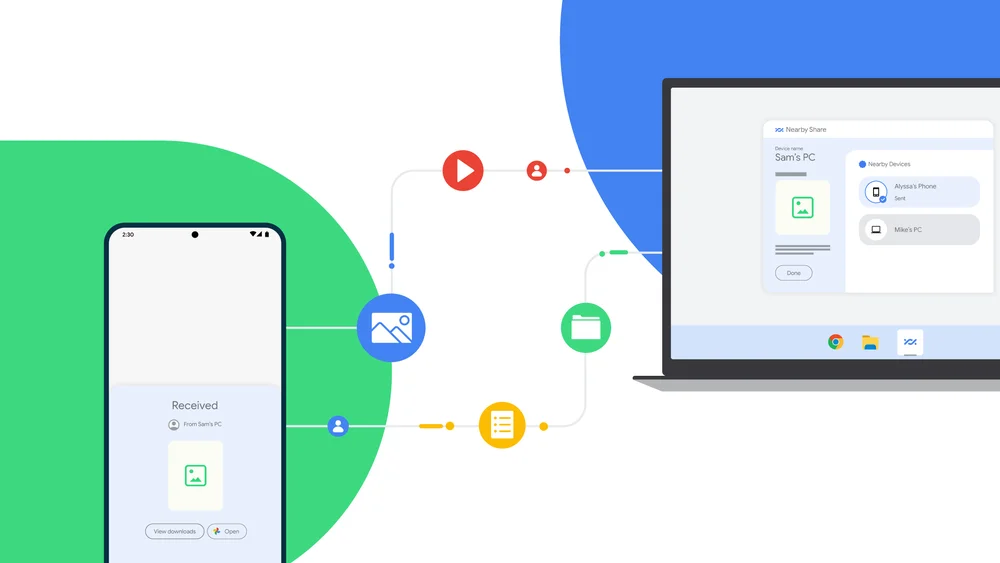
Nearby share windows

Now, Google has launched Nearby Share on Windows as well, allowing you to quickly and wirelessly transfer files from a Windows PC to an Android device using just Nearby Share.

How to Wirelessly Transfer Files from Windows PC to Android using Nearby Share

Step 1: Download and install the app on your Windows PC using this link.
Step 2: Install the app and log in using the same Google account that you’re using on your phone.
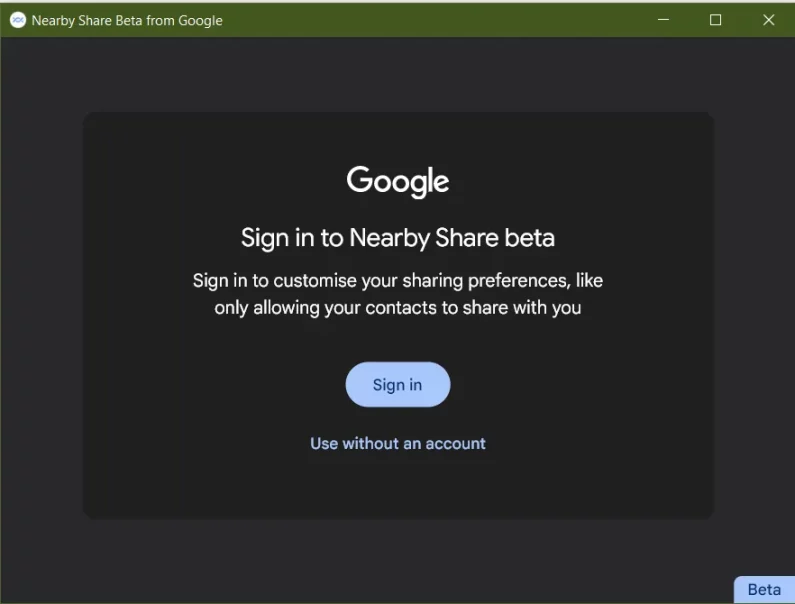
wireless transfer file windows to android
Step 3: You can also change the settings to choose who can send files to your PC. You can select everyone or specific contacts.
Step 4: Now you can close the app, and it will run in the background and auto-restart when you turn on your PC.
Step 5: You’re now ready to transfer files between your Android device and Windows PC.

transfer file between android & windows pc

Remember, your Windows PC must have Bluetooth for Nearby Share to work. Now you don’t have to search for an airdrop alternative for windows. You’ll get the same functionality using Nearby Share.

Since its launch in 2020, Android Nearby Share has quickly become a favorite way to share files across Android devices. However, the feature was limited to Android-to-Android only, with no way to share files between Android and Windows PC or vice versa.

Nearby share windows

Now, Google has launched Nearby Share on Windows as well, allowing you to quickly and wirelessly transfer files from a Windows PC to an Android device using just Nearby Share.

How to Wirelessly Transfer Files from Windows PC to Android using Nearby Share

Step 1: Download and install the app on your Windows PC using this link.
Step 2: Install the app and log in using the same Google account that you’re using on your phone.

wireless transfer file windows to android
Step 3: You can also change the settings to choose who can send files to your PC. You can select everyone or specific contacts.
Step 4: Now you can close the app, and it will run in the background and auto-restart when you turn on your PC.
Step 5: You’re now ready to transfer files between your Android device and Windows PC.

transfer file between android & windows pc

Remember, your Windows PC must have Bluetooth for Nearby Share to work. Now you don’t have to search for an airdrop alternative for windows. You’ll get the same functionality using Nearby Share.

Raza Rahil Hussain
Raza Rahil Hussain
I’m a Founder of Razzil, a Web 3.0 enthusiast, who loves the Internet. I am an innovator mind and love to do creative work.

More from author

LEAVE A REPLY

Please enter your comment!
Please enter your name here

Related posts

Advertismentspot_img

Latest posts

Aula F99 Pro Review – The Best 96% Budget Mechanical Keyboard?

If you're in the market for a quality mechanical keyboard on a budget, you'll find plenty of options from brands like Aula, Ajazz, Weikav,...

How to Install Home Assistant Core on Raspberry Pi 5

Home Assistant is an open-source project that is single-handedly taking home automation to the next level. It's not just a platform to manage your...

Vivo India Launches the Vivo X200 Series with ZEISS Camera Experience

Vivo India has launched the Vivo X200 Series in India, featuring a ZEISS Camera experience. Both the Vivo X200 and X200 Pro are now...

Want to stay up to date with the latest news?

We would love to hear from you! Please fill in your details and we will stay in touch. It's that simple!